
Introduction to WordPress
What WordPress is, the distinction between wordpress.org and wordpress.com, advantages and limitations compared to Drupal, Joomla and headless CMSs.
You've been working with WordPress for a while. You know it works, but you don't always know why. This book closes that gap — from code that's copied to code that's understood. The only technical WordPress book covering the full stack.
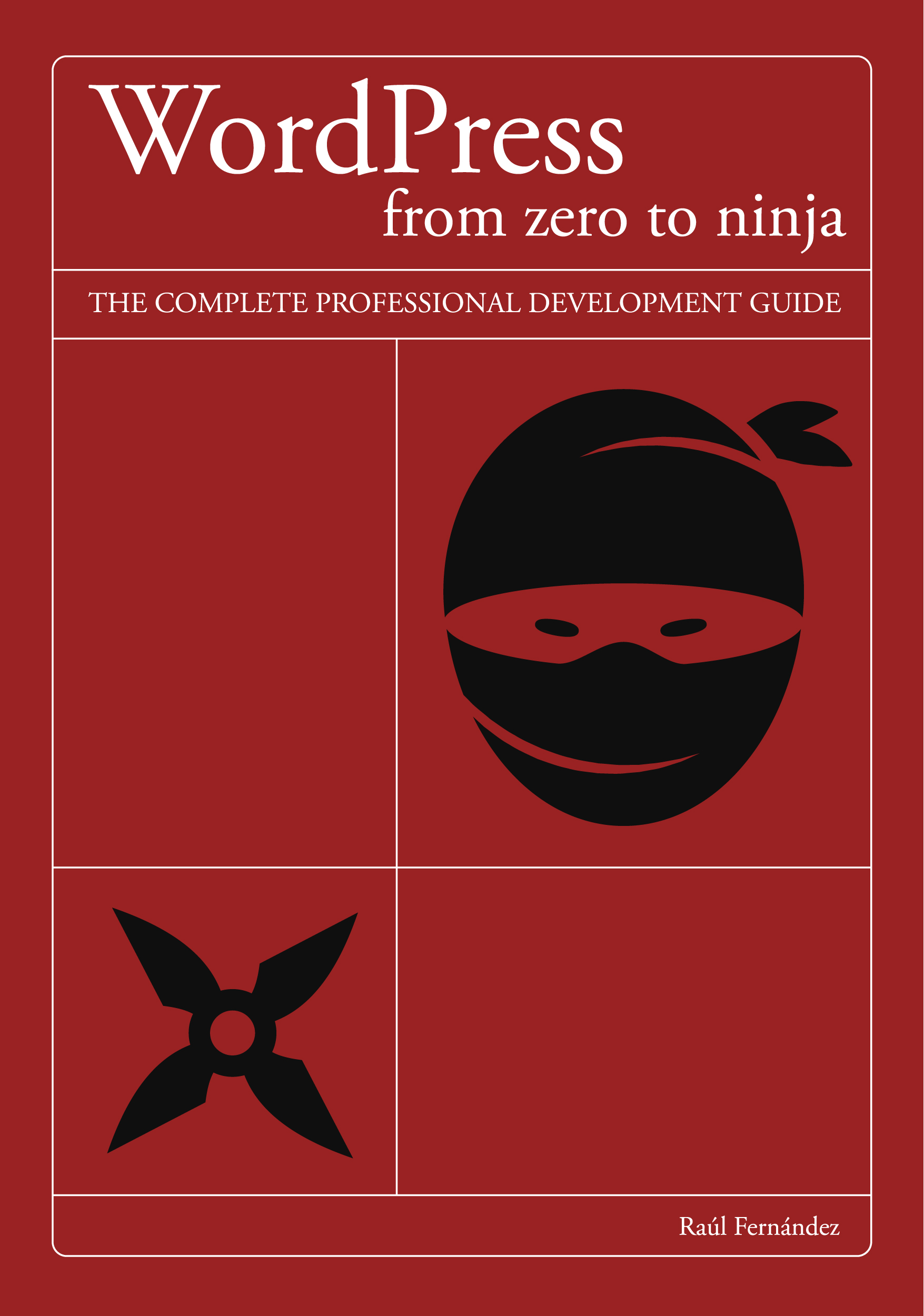
You know how to install plugins, modify themes, add code to functions.php. But when something breaks in production, it takes you longer than it should. When a client asks if WordPress can handle a certain load, you're not entirely sure. When you need to set up CI/CD or migrate to Bedrock, you google it and hope for the best.
It's not a lack of talent. It's that 95% of WordPress resources teach you to use the tool, not to understand it. This book starts where all the others end: in the core, in the hooks, in the real architecture of projects that scale.
A complete technical reference for WordPress developers who want to stop guessing.
Technical focus from page one. No explaining what any developer already knows.
From wp-config.php to Docker, Bedrock and CI/CD with GitHub Actions.
NinjaTheme is built chapter by chapter. The complete code is on GitHub.
Gutenberg FSE, Interactivity API, WooCommerce HPOS and Abilities API for AI agents.
If you already know how to code and WordPress feels familiar but opaque, this book is for you.
You know how to code but WordPress has always been a black box. You understand the code you add to functions.php, but not exactly why it works — or what happens when it doesn't. You want to understand it from the ground up, not keep copying snippets.
You've been working with WordPress for a while and have real projects. But when something breaks it takes you longer than it should, because debugging without understanding the request lifecycle is guesswork. This book changes how you read errors.
There are projects coming your way — or that you want to go after — that require Bedrock, Docker and CI/CD. You need a technical reference that establishes team conventions and that everyone can read to speak the same technical language.
Most WordPress developers have spent years googling how a hook works. This book puts an end to that.
Concrete technical skills you can apply from the very first chapter.
36 chapters organized in three parts with logical progression, from fundamentals to professional deployment.
What WordPress is, the distinction between wordpress.org and wordpress.com, advantages and limitations compared to Drupal, Joomla and headless CMSs.
Local environments with Local by Flywheel and Docker. wp-config.php, WP-CLI and the recommended tool stack for professional development.
User system, roles and capabilities. Permalinks as a fundamental SEO decision. Privacy settings and GDPR compliance.
Posts vs pages, taxonomies and the Media Library. Modern image formats WebP and AVIF. The block system for developers.
Classic themes vs block themes (FSE). Child themes, the Customizer, the Site Editor and technical criteria for evaluating themes.
Plugin architecture, professional evaluation criteria, conflict auditing and management of security and performance risks.
theme.json in depth, Query Loop, block hooks, the Interactivity API and criteria for choosing between FSE and classic themes.
Elementor in depth: widgets, Flexbox containers, theme builder. Comparison with Bricks, Divi and Beaver Builder. When to use each vs native Gutenberg.
CSS Grid, subgrid and responsive typography in WordPress. Accessibility (a11y), mega menus and the advanced Customizer.
Product types, payment gateways, HPOS and the checkout block. The WooCommerce API from PHP and SEO for online stores.
Bootstrap sequence, WordPress Coding Standards, Template Hierarchy and the debugging tools every developer needs to know.
Advanced WP_Query, pre_get_posts, custom pagination, AJAX pagination and infinite scroll. Exercise: portfolio listing with WP_Query.
Required files, functions.php, asset enqueueing, template parts, block themes from code and modular architecture. NinjaTheme kickoff.
Full lifecycle, hooks in PHP classes, advanced patterns and a catalog of critical core hooks. Query Monitor for debugging.
CPT registration, custom taxonomies, templates, meta boxes and advanced administration. Portfolio CPT in NinjaTheme.
Classes, namespaces and autoloading with Composer. Dependency Injection, factory and registry patterns. PHPUnit for OOP code in WordPress.
ACF in templates, ACF blocks, Local JSON and the N+1 problem. Comparison with Carbon Fields, Pods and Meta Box.
Plugin structure, Settings API, shortcodes, WP_Error, transactional email with wp_mail() and internationalization. Lifecycle and updates.
The WordPress schema, secure queries with $wpdb, query optimization, full-text search, custom tables and schema migrations.
Native and custom endpoints, WP_REST_Controller, CORS configuration, response caching and query parameters. REST API for the portfolio.
@wordpress/scripts, passing data from PHP to JS, REST API from the client, Heartbeat API, Service Workers and the Interactivity API.
Block API, edit() and save(), dynamic blocks, BlockControls, InnerBlocks, variations, patterns and styles. Portfolio Grid block for NinjaTheme.
Diagnosis with real metrics, caching strategies (object, page, fragment), asset and image optimization, and Core Web Vitals.
Common attack vectors, configuration hardening, security headers, nonces, WAF, two-factor authentication and backup strategy.
Yoast SEO and Rank Math from code. Schema.org, Open Graph, sitemaps, canonical URLs, Core Web Vitals and crawl budget management.
Multisite network architecture, programming API, must-use plugins, performance, limitations and alternatives for multi-site projects.
i18n in PHP and JavaScript, multilingual content plugins, Weglot, slug translation and team workflows in multilingual projects.
Custom commands, importers, content migration, aliases, scaffolding, profiling and diagnostics. WP-CLI scripts for NinjaTheme.
Dependency management with Composer, provisioning with Trellis, deployment with GitHub Actions, Ansible Vault and team workflow.
Docker in development and production, object cache with Redis, CI/CD with GitHub Actions, migrations and disaster recovery.
Monitoring, logs, automatic updates, wp-cron in production, load balancing, replication and WordPress in the cloud.
WordPress HTTP API, common integrations, rate limiting, Guzzle, webhooks and advanced patterns for external response caching.
Headless architecture, REST API and GraphQL, ISR, Preview Mode, authentication, SEO for decoupled sites and Next.js alternatives.
Programmatic access restriction, membership plugins, Stripe, content drip, custom capabilities and member dashboards.
LMS plugin comparison, course structure, quizzes, certificates, WooCommerce, video hosting and scalability of learning platforms.
The Abilities API, the MCP protocol, AI agent integration, REST API as a data layer for LLMs and NinjaTheme with full Abilities.
The book doesn't teach concepts in a vacuum. Every part of the development is applied to NinjaTheme, a complete WordPress theme that evolves chapter by chapter: from the basic files and hook architecture to custom Gutenberg blocks, the REST API and Docker deployment.
The complete code is available on GitHub with a folder per chapter, ready to clone and follow along with the book.
View code on GitHub// OOP-encapsulated hook architecture
class NinjaTheme {
public function init(): void {
add_action(
'after_setup_theme',
[ $this, 'setup' ]
);
add_action(
'wp_enqueue_scripts',
[ $this, 'assets' ]
);
add_filter(
'pre_get_posts',
[ $this, 'modify_query' ]
);
}
}What developers usually ask before buying the book.
Yes, if you're honest with yourself. Most WordPress developers work with the tool without understanding its internal architecture: how the core boots, what it executes and in what order, why certain hooks fire before others, or how WP_Query actually works. If you've ever googled "how does add_action work" or spent longer than expected debugging something, this book fills exactly those gaps.
The book introduces PHP when needed and explains language patterns in a WordPress context. It doesn't assume the reader is a PHP expert, but it does assume general technical background: understanding a function, an array or an object shouldn't be an obstacle. If you've coded in any language, you'll follow the code without problems.
Yes. The book covers WordPress 6.x with Gutenberg FSE, theme.json, the Interactivity API and the WooCommerce checkout block (HPOS). The AI agents chapter covers the Abilities API and the MCP protocol, which are the most recent additions to the WordPress ecosystem.
There's a dedicated chapter on WooCommerce (ch. 10) covering product types, payment gateways, HPOS, the checkout block and the WooCommerce API from PHP. The technical SEO chapter includes a specific section for WooCommerce stores, and the membership sites chapter covers subscription integration.
NinjaTheme is the guide project that runs through the book. It's a complete WordPress theme built step by step from chapter 13 to the end. It starts with the basic files and evolves to incorporate OOP hooks, CPTs, REST API, Gutenberg blocks, WP-CLI, Docker and the Abilities API. The complete code is on GitHub with a folder per chapter.
All the code is in the public repository github.com/raulfg/wordpress-ninja-code, organized by chapter. You can clone it, follow along while you read, or use it as a standalone reference.
Yes, Part III is dedicated to operations and specialization. Chapter 29 covers Bedrock and Trellis with Composer and Ansible, chapter 30 covers Docker in production with Redis and CI/CD with GitHub Actions, and chapter 33 covers headless WordPress with Next.js, GraphQL and ISR. There is also a complete chapter on cloud deployment and maintenance.
Currently only in paperback through Amazon. You can buy it at amazon.com/dp/B0H4G1L18L.
A technical book of over 750 pages with code blocks, tables and extensive listings is unmanageable on Kindle. The reflowable format of eReaders breaks code structure, flattens visual hierarchies and makes technical reading frustrating. The book is designed to be read with the full page in view, not fragmented on a 6-inch screen.
Yes. Part III specifically covers the professional team stack: Bedrock for dependency management, Trellis for provisioning, Docker for reproducible environments and GitHub Actions for CI/CD. The maintenance chapter includes documentation and project handoff. Several teams use the book as a conventions reference and onboarding resource.

Co-founder of Clink Web Value, a WordPress development agency with national and international projects — companies, high-traffic platforms and agencies that outsource their technical development.
Over 15 years building on WordPress in real production: architectures with Bedrock, Redis and Docker, migrations to professional stacks, and teams that needed technical conventions that could scale. The kind of work that doesn't show up in tutorials.
This book is the distillation of what he's learned outside the lab.
View LinkedIn profile
Over 750 pages of technical reference on professional WordPress. Paperback, available on Amazon.
Available on Amazon · Ships in 24–48h · 30-day returns